[01 / Agents]
Agent Chat
Claude Code, Codex, Gemini CLI and OpenCode as a chat. Your sign-ins, your rules.
Plan with agents, watch them work, review what they changed. A small native app that runs fast on Macs newer tools left behind.
No public download yet. Apple Silicon and Linux are planned.
[01 / Agents]
Claude Code, Codex, Gemini CLI and OpenCode as a chat. Your sign-ins, your rules.
[02 / Orchestrator]
One goal, up to six agents in parallel, each in its own worktree.
[05 / Git]
Stage hunks, commit, push. Review what agents changed before it ships.
[06 / Lightweight]
About 8 MB. Built for a 2015 MacBook Pro.
[03 / Terminal]
A fast terminal, and up to four panes of anything.
[07 / BYOK]
Your keys, any provider, or a local model. Keys stay in the Keychain.
[04 / Editor]
CodeMirror 6 with AI edit diffs you accept line by line.
[08 / Privacy]
No analytics, no crash reports, no background update checks.
[09 / Source]
Apache-2.0. Read every line.
View source →Pick a theme, make your own, lay out the panes the way you work, and put your own picture behind it all.
[01]
19 themes built in, from Estate Default and Estate OLED to Tokyo Night, Rosé Pine, Catppuccin and Gruvbox.
[02]
None of the 19 fit? Start from a preset and make your own.
[03]
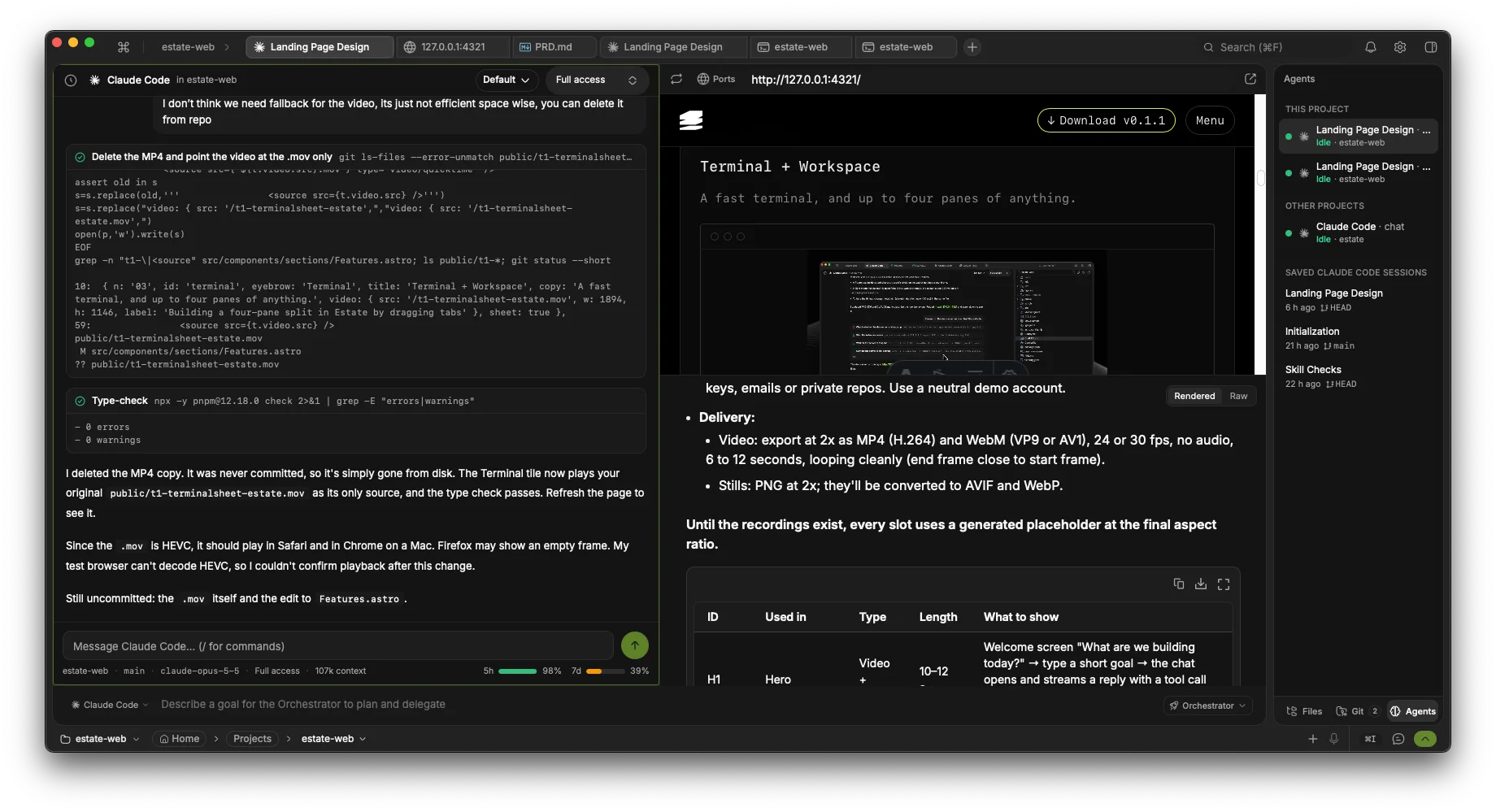
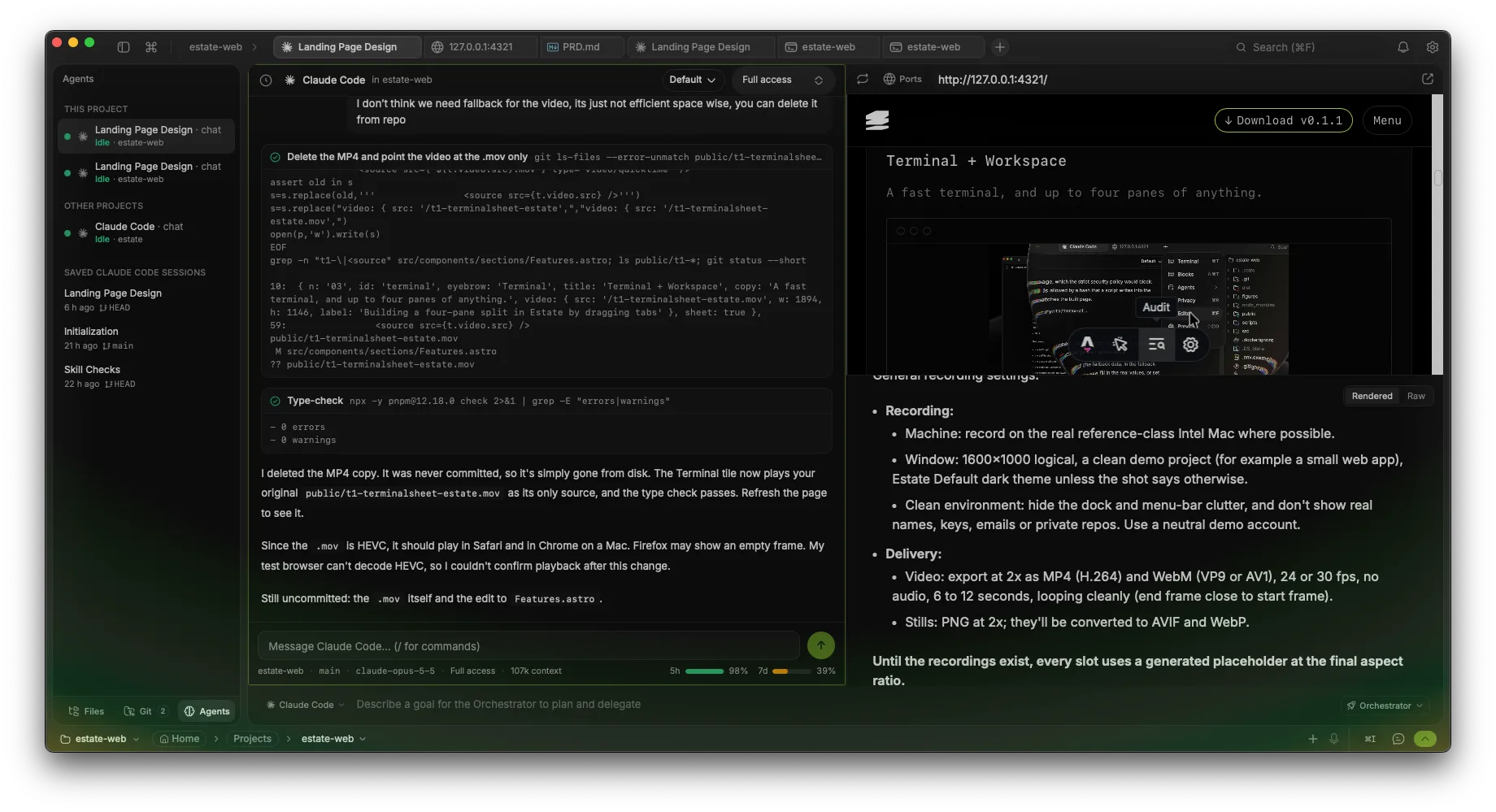
Up to four panes of anything: terminal, agent chat, editor, Git or a browser preview. Each project keeps its own layout.
[04]
Put your own image behind the whole workspace: a photo, a painting, anything you like looking at.
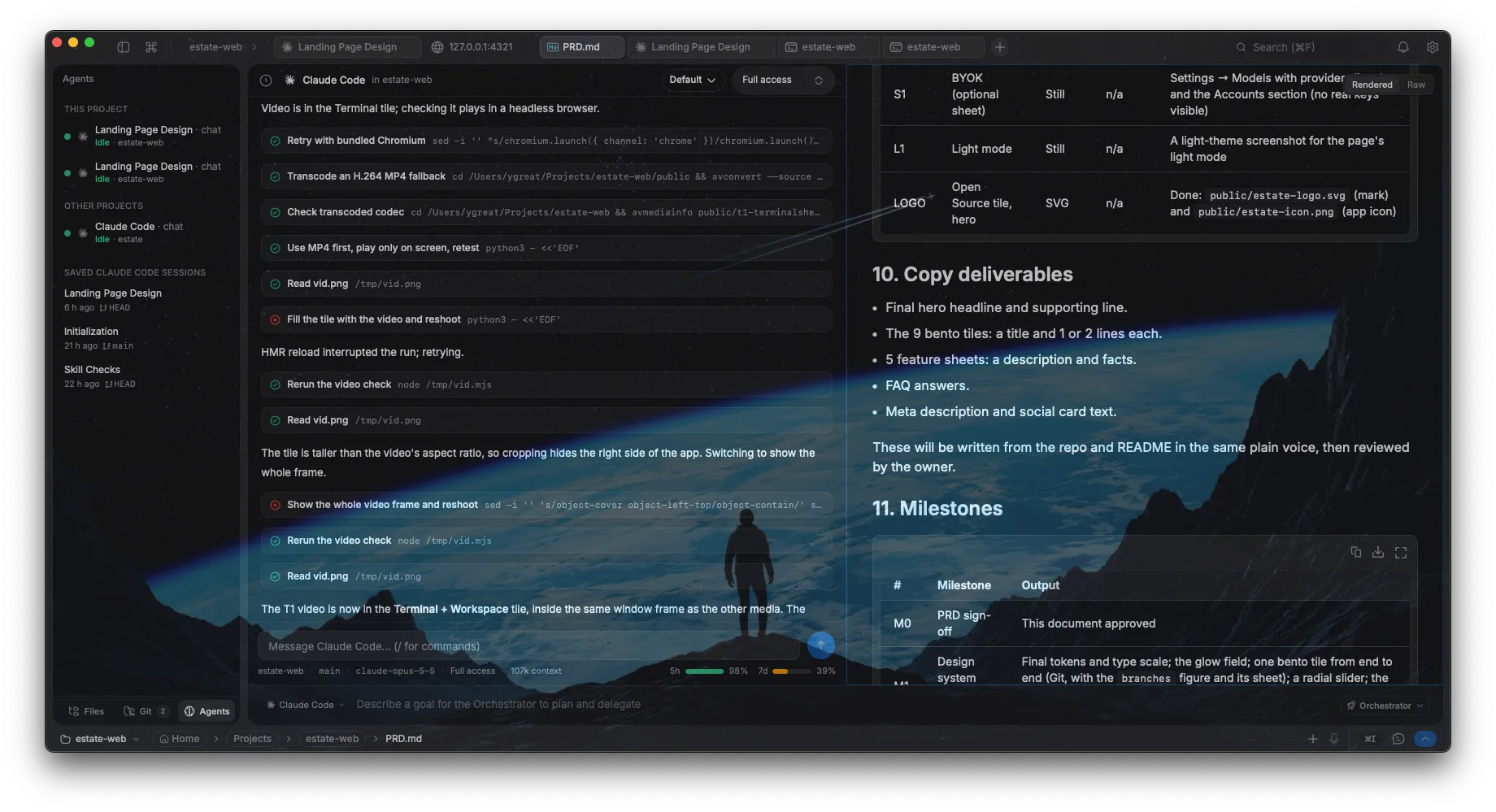
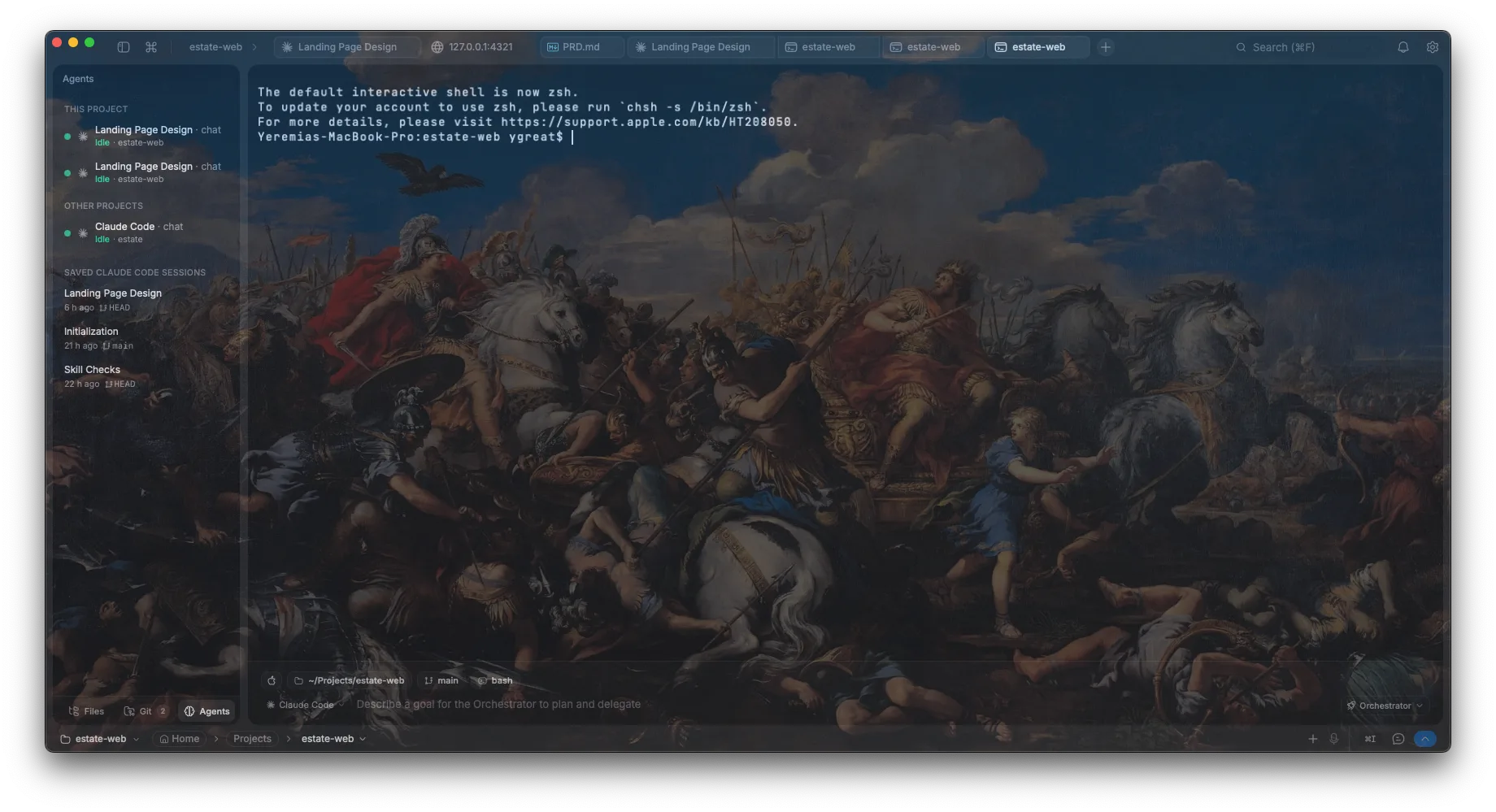
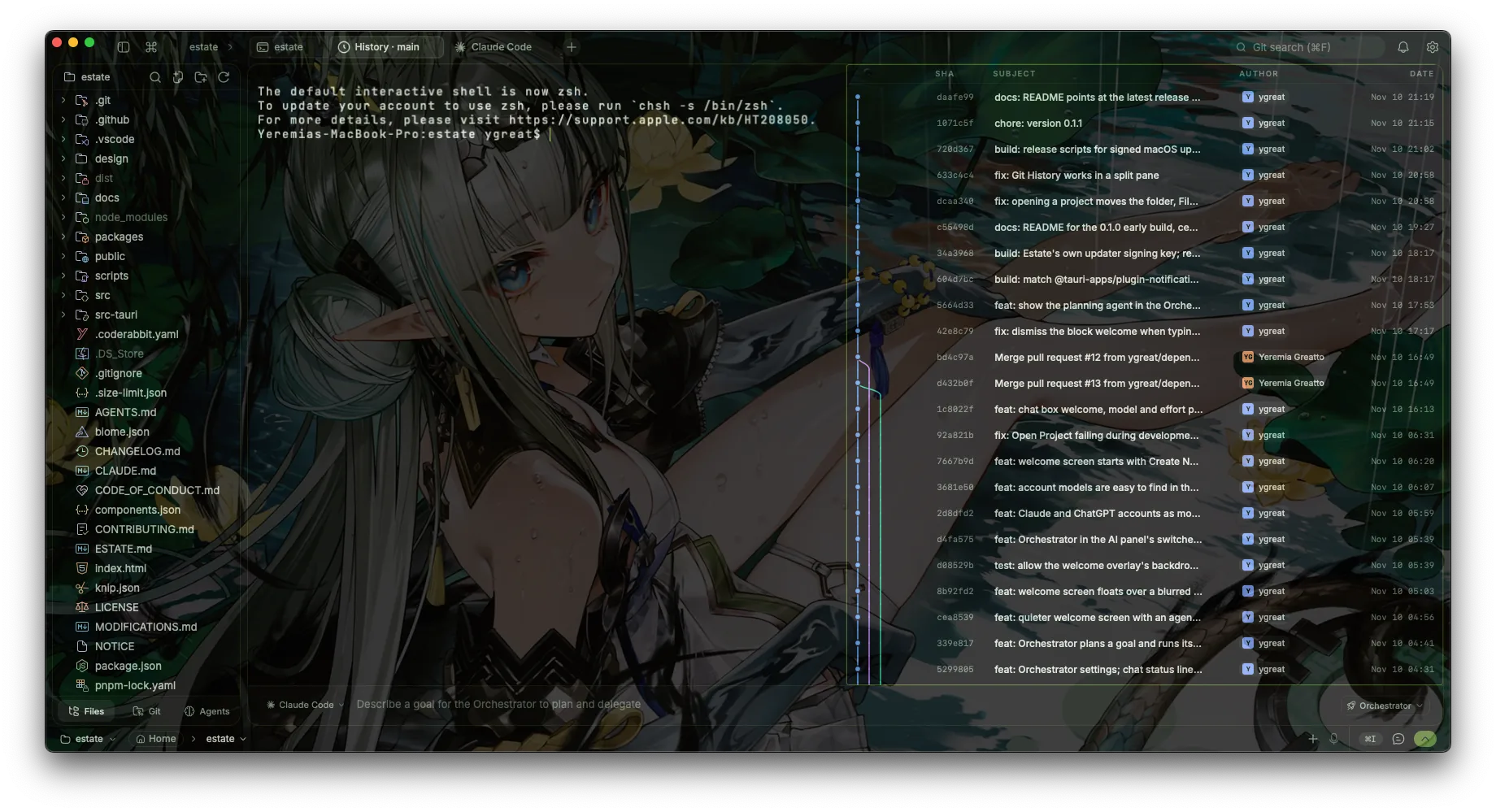
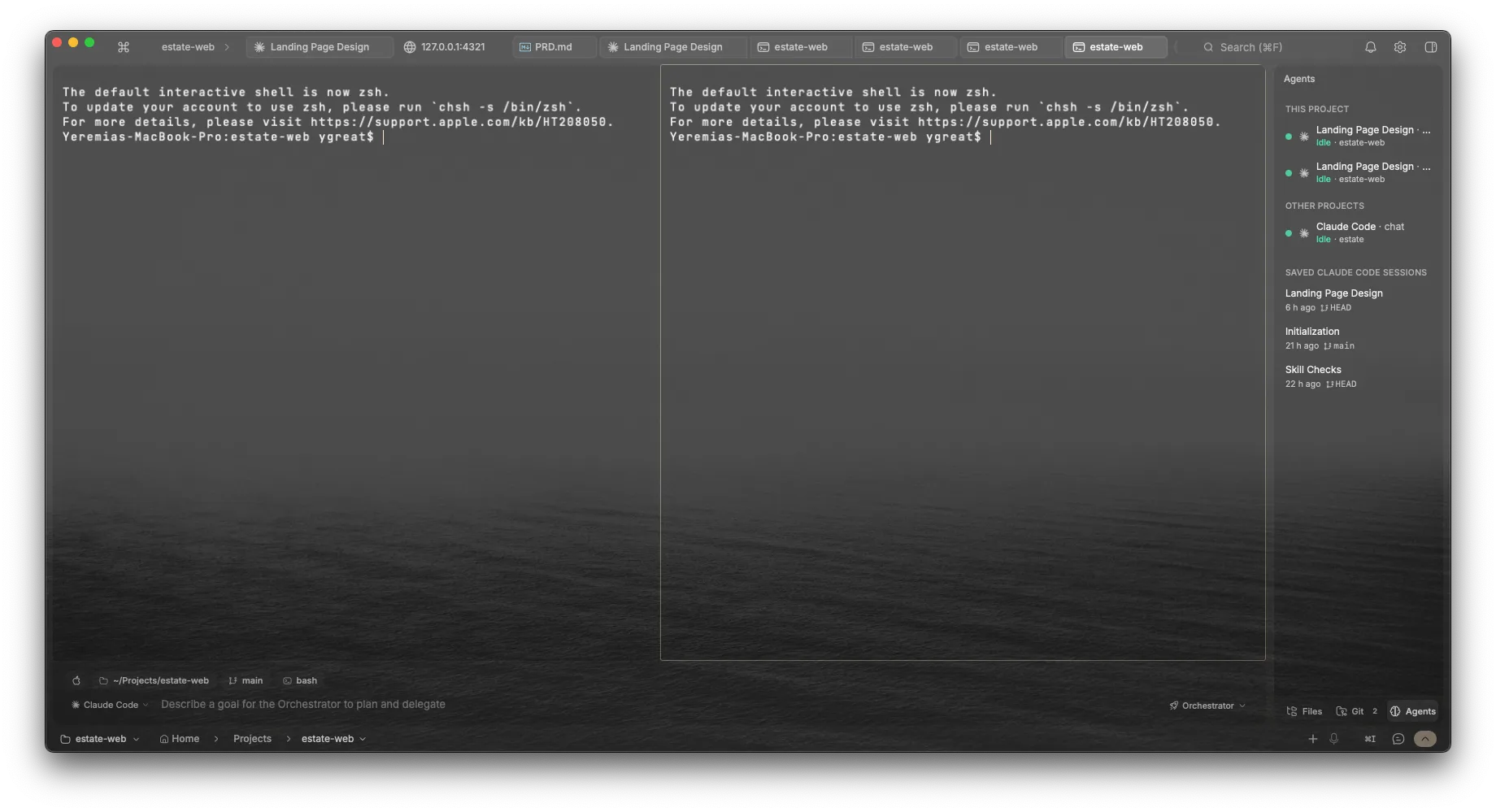
Native shell, so no bundled browser
Backend: PTY, file system, git, search
Terminal emulation via libghostty-vt
GPU terminal rendering with automatic fallback
UI and state
Code editor
Model providers for the built-in assistant
Shell sessions
Secret storage
UI styling and primitives
Built on Terax: Estate started from Terax 0.9.0 by Crynta (Apache-2.0) and is developed independently for older Macs.
Not yet. Estate is in closed testing: builds go to a small group of testers directly, and there are no public downloads. You can build it from source; the README on GitHub shows how.
Windows 10 and 11 (x64): yes, in testing. It builds and runs from source; there is no installer yet. Apple Silicon and Linux are planned. On the Mac, Estate runs on Intel Macs with macOS 12 or later.
Estate is not signed with an Apple certificate yet. Right-click the app and choose Open, or run: xattr -dr com.apple.quarantine /Applications/Estate.app
Yes. Estate is open source under Apache-2.0.
No. Coding agents use their own sign-ins. The built-in assistant can use a Claude or ChatGPT account, your own keys, or a local model.
No. It only reads whether you're signed in.
Only what you start: agent and model requests, and updates when you click Check for updates.
Settings → About → Check for updates. Updates are signed with Estate's release key and never run in the background.
Claude Code and Codex are tested. Gemini CLI and OpenCode are built from published formats and not yet tested.
Estate started from Terax 0.9.0. It is developed independently and is not affiliated.
xattr -dr com.apple.quarantine /Applications/Estate.appSettings → About → Check for updatesAnthropic, OpenAI, Google, Groq, xAI, Cerebras, OpenAI-compatible, LM Studio, Ollama.
pnpm install && pnpm tauri devEstate is solo-maintained and open to contributions. Fit with the goal matters more than volume.
Contribute on GitHub